
Backup, DRaaS and disaster recovery planning
Ransomware, a failed server, a fire, an earthquake. Something will go wrong eventually. What matters is how fast you are back to work, and how much you lose.
What a tested plan gives you
- Backups that actually restore
- A copy outside the region
- Clear recovery time targets
- A written runbook
- Staff who know the plan
Backups that hold up when you need them
- 3-2-1 backups: three copies, two types of media, one offsite
- Immutable copies that ransomware cannot encrypt or delete
- Microsoft 365 and Google Workspace backup
- Image-level backups for servers and virtual machines
- Laptop and workstation backup for remote staff
- Backup of AWS and Azure workloads
- Encryption in transit and at rest
- Alerts on every failed or missed job
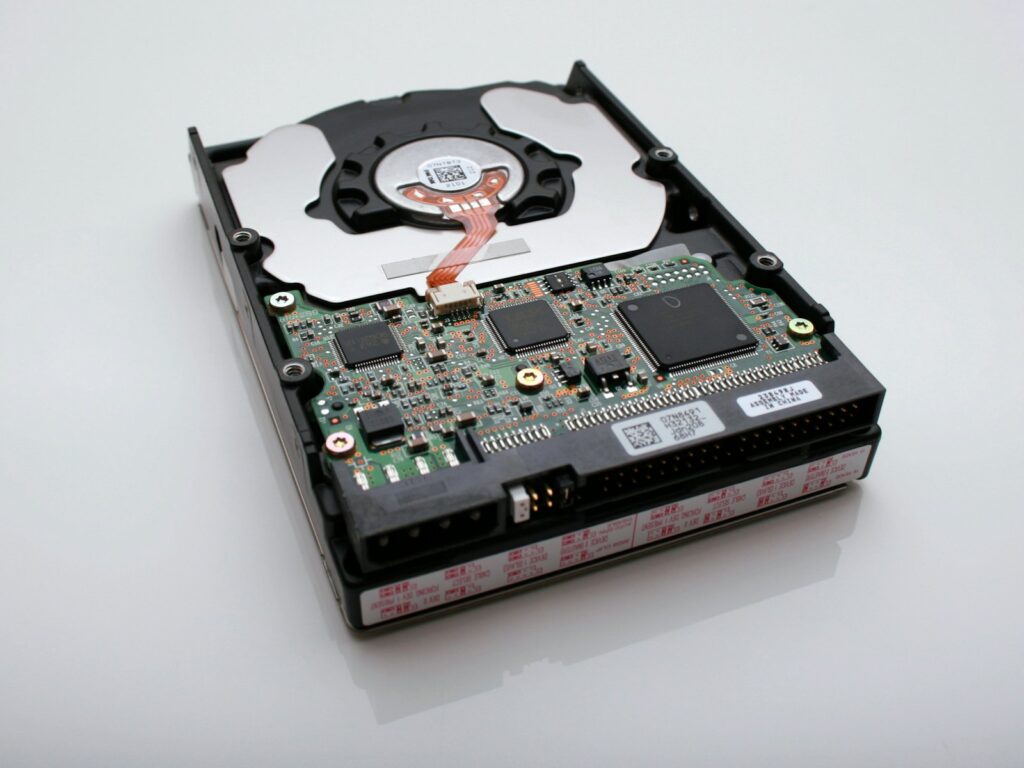
Disaster recovery as a service
We replicate your critical servers to our private cloud or to a cloud region outside Southern California, and bring them up there if your site goes down.
We rehearse failover with you, so recovery is a practiced procedure rather than a guess. Los Angeles businesses face earthquakes, wildfires and power shutoffs, so we plan for an office that is offline for days, not hours.
Planning, not just backups
A backup is only half the answer. We help you decide what has to come back first, how quickly, and who does what.
Business impact analysis
We identify your critical systems and what an hour of downtime costs for each.
Recovery targets
We set a recovery time (RTO) and acceptable data loss (RPO) for every system, and design backups to meet them.
Written DR runbook
Step-by-step recovery procedures, contact lists and vendor details anyone on the team can follow.
Business continuity
Plans for working remotely or from an alternate site when the office is unavailable.
How we build your plan
- AssessReview current backups, systems and risks.
- DesignSet recovery targets and the architecture to meet them.
- ImplementDeploy, configure and document everything.
- TestRun restore tests and a tabletop exercise with your team.
- MaintainMonitor daily and retest on a schedule.
Find out if your backups would actually work
We will review your current backups and tell you how long a real recovery would take today.